
HVAC Scheduling Software: The Complete Guide to Scheduling, Dispatch, and Field Service Management for Heating and Cooling Contractors
HVAC scheduling and dispatch software guide. Compare top platforms, features, pricing, and how to choose the right tool for your heating and cooling 🧠
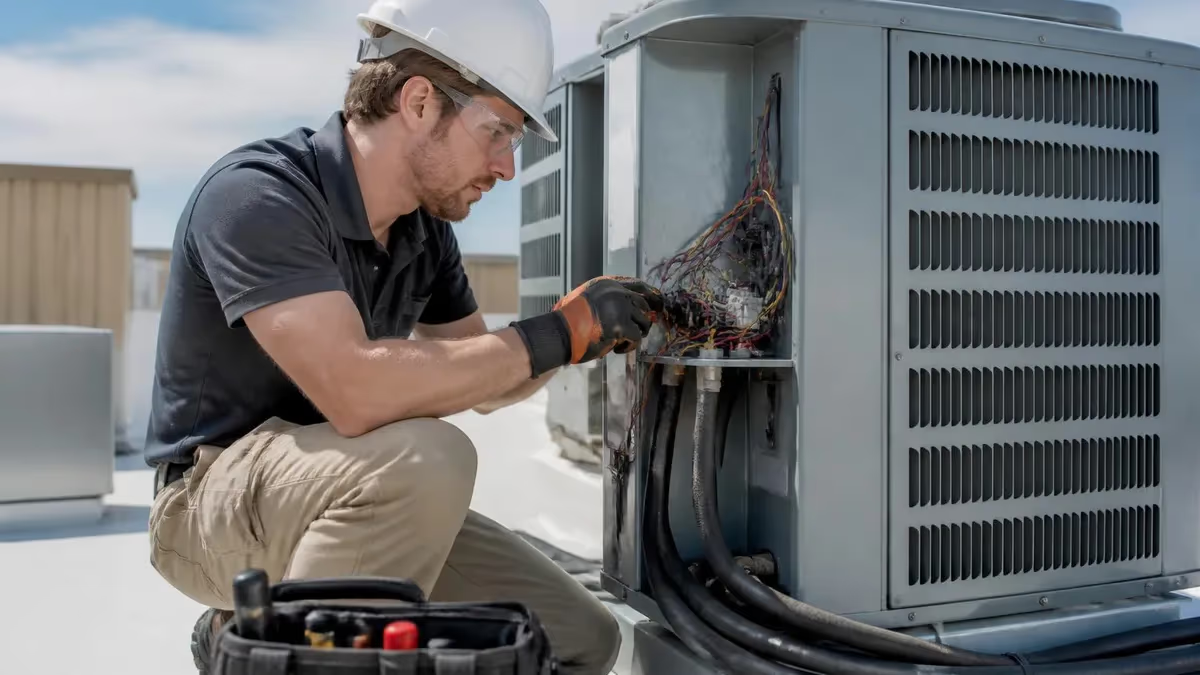
HVAC scheduling and dispatch software has become the operational backbone of modern heating and cooling companies, replacing whiteboards, paper job tickets, and frantic phone calls with cloud-based platforms that route technicians, capture customer history, process payments, and forecast revenue from a single dashboard. Whether you run a two-truck residential service company in suburban Ohio or a 40-technician commercial mechanical contractor in Phoenix, the right scheduling platform can shave hours off daily dispatch work, reduce drive time by 20% or more, and turn every service call into a documented, billable, reportable transaction.
The HVAC industry has changed dramatically since 2020. Homeowners now expect text message appointment reminders, online booking, technician photos before arrival, and digital invoices delivered to their inbox before the van leaves the driveway. Commercial property managers demand real-time service reports, equipment history tied to specific assets, and preventive maintenance schedules that trigger automatically. Meeting these expectations with manual scheduling is no longer realistic, and contractors still running paper-based operations are losing bids to competitors who can quote, schedule, and dispatch in minutes.
This guide walks through every meaningful aspect of HVAC scheduling software in 2026: how the technology actually works, what features separate enterprise platforms from small-business tools, what you should expect to pay, how to evaluate vendors during a demo, and how to roll out new software without losing a week of productivity. We will also cover integration with accounting systems like QuickBooks, payment processors, GPS fleet tracking, and the emerging role of AI-driven dispatch optimization that learns from your historical job data.
The contractors winning the most market share right now are not necessarily the ones with the best technicians or the lowest prices. They are the ones who answer the phone faster, dispatch the closest qualified technician, arrive within a tight window, and collect payment before leaving the job site. Every one of those competitive advantages flows directly from the scheduling platform powering the back office. If you are still printing job sheets at 7 a.m. and calling techs on their personal cell phones to reroute them, you are competing with one hand tied behind your back.
Before we dive into specific platforms and features, it helps to understand the broader HVAC service ecosystem your software needs to support. Scheduling does not exist in isolation — it touches inventory, payroll, marketing, customer relationship management, and equipment maintenance records. For a foundational overview of the systems you will be servicing, the guide to HVAC Solutions provides useful context on the heating, cooling, and indoor air quality equipment that drives most service calls and ultimately fills your dispatch board.
The good news is that scheduling software has become dramatically more affordable and easier to deploy over the past three years. Platforms that once required six-figure implementations and dedicated IT staff now offer self-service onboarding, monthly per-user pricing, and mobile apps that techs can learn in an afternoon. The bad news is that the market is crowded, vendor marketing is full of buzzwords, and switching costs are real. Choosing wrong can lock you into a two-year contract with software your team refuses to use.
By the end of this guide, you will know exactly which features matter for your business size and service mix, what questions to ask during sales demos, how to negotiate pricing, and how to measure ROI in the first 90 days. We will also address common implementation pitfalls and the change-management challenges that derail roughly half of all field service software rollouts.
HVAC Scheduling Software by the Numbers
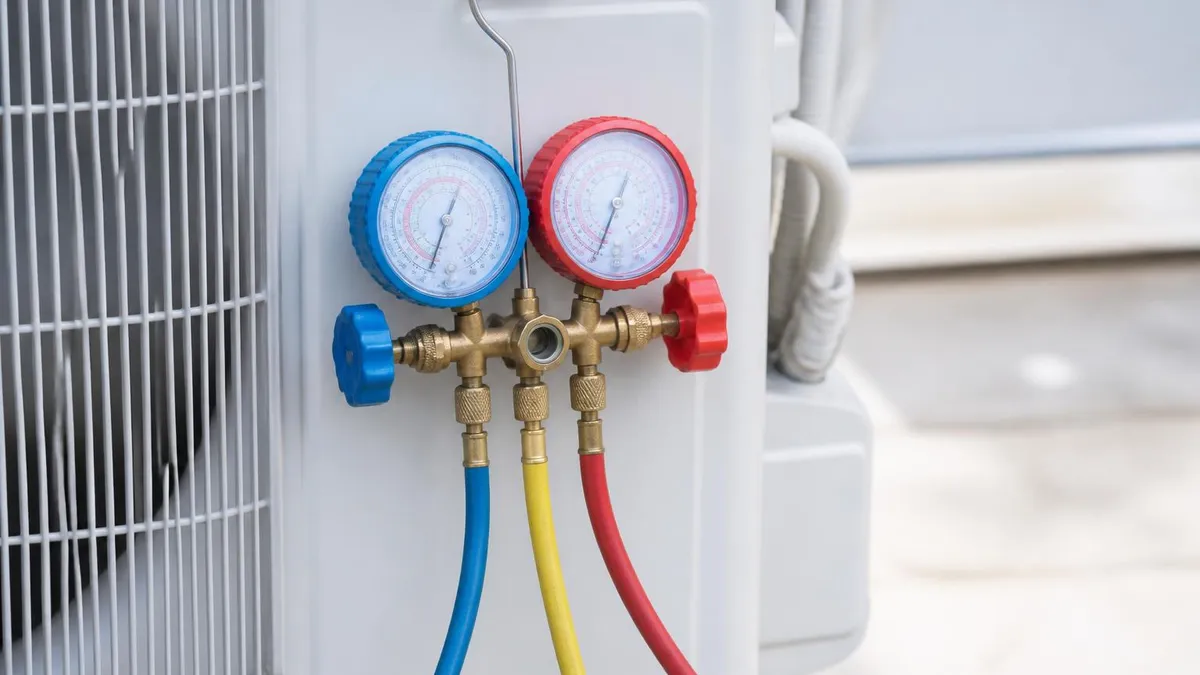
Core Features Every HVAC Scheduling Platform Should Offer
Visual schedule grid showing all technicians, time blocks, and job statuses. Dispatchers should be able to drag a job from one tech to another, see travel time between calls, and color-code by job type or priority in real time.
Native iOS and Android apps where techs see their daily schedule, customer history, equipment records, parts catalog, and can capture photos, signatures, and payments without returning to the office or calling dispatch.
Text and email confirmations on booking, day-before reminders, en-route notifications with tech photo and ETA, and post-job follow-ups requesting reviews or scheduling next maintenance visit automatically.
Permanent record of every piece of equipment at every property, including model and serial numbers, install date, warranty status, prior repairs, refrigerant charges, and recommendations from past visits.
Generate quotes and invoices in the field, accept credit cards, ACH, and financing applications on a tablet, and sync transactions to QuickBooks or Sage without manual data entry or duplicate bookkeeping.
Choosing the right HVAC scheduling platform starts with an honest assessment of your business model, not a feature checklist. A 60-call-per-day residential service company has fundamentally different needs than a commercial mechanical contractor managing 200 preventive maintenance contracts across 12 office buildings. The former needs lightning-fast dispatch, consumer-grade text messaging, and aggressive upsell tools at the kitchen table. The latter needs asset-level tracking, multi-visit work orders, complex billing rules, and integration with building automation systems.
Start by categorizing your typical job types and the percentage of revenue each generates. Most HVAC contractors fall into one of three buckets: residential service and replacement, light commercial service, or full commercial and mechanical contracting. Some platforms excel at residential workflows but struggle with the multi-day, multi-tech, T&M billing common in commercial work. Others handle commercial complexity beautifully but feel clunky for a tech running six maintenance calls a day. There is no universal best platform, only the best fit for your specific mix.
The next variable is team size. Solo operators and two-to-five-truck shops can usually thrive on entry-level platforms like Housecall Pro, Jobber, or Workiz, which start around $65 to $150 per month and offer everything a small shop genuinely needs. Mid-market contractors running 6 to 25 trucks should evaluate ServiceTitan, FieldEdge, Service Fusion, or BuildOps, where pricing climbs into the $200 to $400 per user per month range but advanced reporting, marketing automation, and price book sophistication justify the investment. Enterprise mechanical contractors typically look at ServiceTitan Enterprise, Jonas, or Coins.
Integration capability is the third critical filter. Your scheduling software is not an island — it must sync cleanly with your accounting system, payment processor, GPS tracking, phone system, marketing tools, and increasingly your smart-home or building-automation platforms. Ask every vendor for a written list of native integrations, then verify those connections actually work the way you expect. A platform that exports CSV files to QuickBooks once a day is dramatically different from one with a real-time two-way sync that handles inventory, payroll hours, and customer balances automatically.
Mobile experience deserves dedicated attention. Your technicians will spend more time in the mobile app than your dispatchers spend in the desktop interface. Test the mobile app on actual phones — not just a polished demo on the salesperson's iPad. Can a tech complete a full service call, including diagnostic notes, photos, parts lookup, customer signature, payment capture, and invoice email, without connectivity? Offline capability is essential for basements, mechanical rooms, and rural service areas where cell signal disappears.
Reporting and analytics separate adequate platforms from genuinely significant ones. The best HVAC scheduling software does not just track what happened — it shows you which technicians are most profitable, which marketing channels generate the highest-margin jobs, which customers are due for replacement equipment based on age, and which preventive maintenance contracts are quietly losing money. A platform that produces a daily revenue dashboard, technician scorecard, and aged-receivable report on autopilot pays for itself in management time alone. For more on the field workforce these tools support, see the guide to hvac contractors.
Finally, evaluate the vendor itself, not just the software. Is the company financially stable? How often do they release updates? What does support response time look like — and is it included or extra? Are training resources self-service or only via paid onboarding? Can you talk to current customers running businesses similar to yours? Software is a multi-year commitment, and the vendor relationship matters as much as the product features. Walk away from any vendor that will not connect you with three reference customers in your size and service category.
HVAC Practice Test Questions
Prepare for the HVAC - Heating Ventilation and Air Conditioning exam with our free practice test modules. Each quiz covers key topics to help you pass on your first try.
HVAC Air Conditioning
HVAC Exam Questions covering Air Conditioning. Master HVAC Test concepts for certification prep.
HVAC Code Compliance
Free HVAC Practice Test featuring Code Compliance. Improve your HVAC Exam score with mock test prep.
HVAC Electrical Controls
HVAC Test Prep for Electrical Controls. Practice HVAC Quiz questions and boost your score.
HVAC Energy Efficiency
HVAC Questions and Answers on Energy Efficiency. Free HVAC practice for exam readiness.
HVAC Heating Systems
HVAC Mock Test covering Heating Systems. Online HVAC Test practice with instant feedback.
HVAC Load Calculations
Free HVAC Quiz on HVAC Load Calculations. HVAC Exam prep questions with detailed explanations.
HVAC Tools and Equipment
HVAC Practice Questions for HVAC Tools and Equipment. Build confidence for your HVAC certification exam.
HVAC Refrigeration
HVAC Test Online for Refrigeration. Free practice with instant results and feedback.
HVAC Safety Practices
HVAC Study Material on Safety Practices. Prepare effectively with real exam-style questions.
HVAC System Design
Free HVAC Test covering System Design. Practice and track your HVAC exam readiness.
HVAC Thermodynamics
HVAC Exam Questions covering Thermodynamics. Master HVAC Test concepts for certification prep.
HVAC Scheduling and Dispatch Workflows Compared
Manual dispatch typically involves a whiteboard, paper job tickets, and a dispatcher juggling phone calls between customers and field technicians. The dispatcher writes jobs on the board, calls techs to assign work, and physically erases and rewrites assignments as the day shifts. This works fine for one or two trucks but breaks down quickly past five technicians, with errors, missed calls, and double-bookings becoming routine.
The hidden cost of manual dispatch is not just dispatcher labor — it is lost revenue from inefficient routing, missed maintenance renewals, forgotten warranty work, and customer churn driven by poor communication. A 10-truck shop running manual dispatch typically completes 15 to 20 percent fewer billable jobs per week than the same shop on optimized software, which translates to roughly $200,000 to $400,000 in annual revenue left on the table.

Is HVAC Scheduling Software Worth the Investment?
- +Cuts dispatch labor by 40 to 60 percent through automated routing and self-service customer booking
- +Reduces drive time and fuel costs 20 to 35 percent with optimized technician assignments and route planning
- +Increases first-call resolution by giving techs complete equipment history and parts availability on mobile
- +Improves cash flow through in-field payment capture, automated invoicing, and integrated financing applications
- +Captures more recurring revenue by automating preventive maintenance scheduling and renewal reminders
- +Provides real-time visibility into technician productivity, job profitability, and outstanding receivables
- +Professionalizes the customer experience with text confirmations, ETA tracking, and digital invoices that build trust
- −Monthly subscription costs add up to $20,000 to $80,000 annually for mid-sized shops on enterprise platforms
- −Implementation typically takes 30 to 120 days and disrupts daily operations during the transition period
- −Older technicians often resist mobile-app workflows and may require extensive training or even turnover
- −Vendor lock-in is real — migrating customer history and equipment records between platforms is painful
- −Integration with accounting and payroll systems sometimes breaks during vendor software updates
- −Advanced features require disciplined data entry that some teams never fully adopt, limiting ROI
- −Customer support quality varies dramatically and can frustrate teams trying to resolve urgent dispatch issues
Pros and Cons at a Glance
| Pros | Cons |
|---|---|
| Increases first-call resolution by giving techs complete equipment history and parts availability on mobile | Older technicians often resist mobile-app workflows and may require extensive training or even turnover |
| Improves cash flow through in-field payment capture, automated invoicing, and integrated financing applications | Vendor lock-in is real — migrating customer history and equipment records between platforms is painful |
| Captures more recurring revenue by automating preventive maintenance scheduling and renewal reminders | Integration with accounting and payroll systems sometimes breaks during vendor software updates |
| Provides real-time visibility into technician productivity, job profitability, and outstanding receivables | Advanced features require disciplined data entry that some teams never fully adopt, limiting ROI |
| Professionalizes the customer experience with text confirmations, ETA tracking, and digital invoices that build trust | Customer support quality varies dramatically and can frustrate teams trying to resolve urgent dispatch issues |
HVAC Scheduling Software Implementation Checklist
- ✓Audit current dispatch workflow and document every step from call intake to invoice payment
- ✓Define clear success metrics including calls per truck, average ticket, and first-call resolution rate
- ✓Shortlist three to five platforms matching your business size, job mix, and integration requirements
- ✓Request live demos using your actual job scenarios rather than vendor-prepared sample data
- ✓Verify all critical integrations work end-to-end with your accounting, payments, and GPS systems
- ✓Negotiate pricing including per-user rates, implementation fees, and contract length commitments
- ✓Designate a dedicated internal project owner with authority to make process change decisions
- ✓Migrate customer, equipment, and historical job data in a structured staged rollout, not a big-bang switch
- ✓Train dispatchers, office staff, and field technicians separately with role-specific workflows and cheat sheets
- ✓Run the new platform parallel with old processes for two weeks before fully cutting over operations
- ✓Schedule weekly review meetings during the first 90 days to address adoption gaps and configuration issues
- ✓Measure ROI against baseline metrics at 30, 60, and 90 days and adjust workflows based on actual usage data
Automated Maintenance Renewals Pay for the Software Twice Over
Most contractors underestimate how much recurring revenue leaks through manual maintenance contract management. Scheduling software that automatically books tune-ups before contract expiration typically increases renewal rates from 55 to 85 percent. For a shop with 500 maintenance customers paying $220 annually, that gap represents $33,000 in recovered revenue — enough to fund a mid-tier platform for two full years with margin to spare.
Pricing for HVAC scheduling software falls into three broad tiers in 2026, and understanding the true cost beyond the headline subscription rate is essential for accurate budgeting. Entry-level platforms targeting solo operators and small shops typically charge $65 to $150 per month flat or $30 to $50 per user per month, with no implementation fee and self-service onboarding. Mid-market platforms run $150 to $250 per user per month with implementation fees between $2,000 and $8,000. Enterprise platforms charge $250 to $450 per user per month with implementation projects ranging from $5,000 to $50,000 depending on customization.
Beyond the subscription, factor in payment processing fees if you use the vendor's integrated processor (typically 2.6 to 3.5 percent plus 30 cents per transaction), text messaging surcharges that add up quickly at scale (often $0.02 to $0.04 per message), GPS hardware if not bundled, and the labor cost of administration. Most mid-market platforms require 10 to 20 hours per week of part-time admin attention to maintain price books, configure new users, run reports, and troubleshoot issues. That hidden labor cost is real and rarely discussed in sales presentations.
ROI measurement should focus on a small number of concrete metrics rather than vanity statistics. The four that matter most are calls completed per truck per day, average ticket size, first-call resolution rate, and percentage of revenue from preventive maintenance contracts. Each of these should improve measurably within 90 days of implementation. If they have not, something is wrong with either the platform fit, the configuration, or the team's adoption — and continuing to pay for unused software is a common and expensive mistake.
Integration with accounting software is usually the deepest and most consequential connection. QuickBooks Online integrates natively with virtually every HVAC platform on the market, though the quality of integration varies enormously. The best integrations sync customers, invoices, payments, and even inventory in real time both directions. Weaker integrations push data one way on a delayed schedule and require manual reconciliation. Test integration thoroughly during your trial period, ideally with your bookkeeper or accountant present, before committing to a contract.
Payment processing integration is the second critical financial connection. In-field payment capture has become table stakes — every modern HVAC platform supports credit card, ACH, and increasingly Apple Pay and Google Pay through integrated processors. The advantages are obvious: lower aged receivables, fewer billing disputes, and improved cash flow. The trade-off is processing fees that may run higher than negotiated rates with a standalone merchant processor. For most contractors, the convenience and cash flow benefits justify the slight rate premium.
GPS and fleet integration creates additional dispatch optimization opportunities, especially for shops running more than five trucks. Integrated GPS lets dispatchers see actual technician locations rather than self-reported status, automatically calculates accurate ETAs for customers, and provides documentation that protects against unfair complaints about technician arrival times. Verizon Connect, Samsara, and Azuga are the most commonly integrated providers, with most HVAC platforms offering native two-way data sharing. For details on the parts and hvac equipment distributor that scheduling software helps manage, see the comprehensive HVAC Parts and Supply guide.
Marketing integrations are increasingly important for contractors investing in lead generation. The best platforms track every lead from source to sale, attributing revenue to specific Google Ads campaigns, Angi listings, referral partners, or organic search. This attribution capability transforms marketing decisions from gut feel to data-driven, and contractors who use it typically reduce wasted marketing spend by 25 to 40 percent within the first year. Ask vendors specifically about Google Local Service Ads integration, which is becoming the dominant lead source for HVAC service.
Several major HVAC scheduling platforms require two-year or three-year contracts with significant early-termination penalties. Even more problematic, some vendors make exporting your customer, equipment, and job history extremely difficult — locking you in through data friction even after a contract expires. Always negotiate month-to-month or annual terms, and require contractual data export rights in standard formats (CSV minimum, ideally direct database access) before signing anything.
Successful rollout of HVAC scheduling software is 30 percent technology and 70 percent change management. The contractors who get the most value from these platforms approach implementation as a business transformation project rather than a software installation. That means dedicating an internal owner with real authority, communicating relentlessly with the field team about why the change matters, and tolerating a 60-to-90-day productivity dip while everyone climbs the learning curve. Shortcuts at any of these steps dramatically increase the chance of failure.
The first 30 days should focus on data migration and configuration, not pushing techs into the field with a new app. Build out your customer database, equipment records, pricing book, and user accounts thoroughly before going live. Most platforms offer data import services as part of onboarding — use them. Manual data entry of years of historical customer information is soul-crushing and error-prone. Pay the vendor's data services team to handle bulk migration, then spot-check accuracy across a representative sample of accounts.
Pricebook configuration deserves special attention because it directly determines technician productivity and ticket size in the field. A well-built pricebook lets a tech select repairs and replacements from organized categories with clear pricing, descriptions, and recommended add-ons. A poorly built pricebook forces techs to type custom line items, leading to inconsistent pricing, missed upsells, and frustrated technicians. Budget 20 to 40 hours of focused work to build the pricebook correctly during implementation — it is the single highest-use configuration decision you will make.
Training should happen in waves, not all at once. Train your dispatchers and office staff first, give them a week to get comfortable with the platform, then train technicians in small groups of three to five. Role-specific training works dramatically better than blanket sessions covering every feature for every user. A dispatcher does not need to know how to capture payment on a mobile device, and a technician does not need to know how to configure marketing campaigns. Tailor the content to each audience.
Resistance from older technicians is the most common rollout obstacle and the one most underestimated by leadership. A 25-year veteran who has run a successful route on paper for two decades will not magically embrace a smartphone app. Some will adapt enthusiastically, some grudgingly, and some never will. Make peace with the fact that you may lose one or two team members during the transition. The math still works because the platform's productivity gains more than offset turnover, but you need to be honest with yourself about this dynamic upfront.
Measure adoption religiously during the first 90 days. Most platforms include adoption dashboards showing which techs are logging into the mobile app, completing jobs digitally, capturing photos, and processing payments in the field. Address gaps immediately with coaching, additional training, or in some cases, performance management.
A platform used by 60 percent of your team is worse than no platform at all — it creates parallel processes, data inconsistency, and confusion that drag down the whole organization. For more on supporting your team's technical expertise, the hvac maintenance service guide covers the service workflows your scheduling system needs to support.
Finally, schedule a formal review at 90 days and again at six months. Measure actual results against the baseline metrics you established before implementation. Calls completed per truck, average ticket size, first-call resolution, percentage of revenue from maintenance contracts, and customer satisfaction scores should all show measurable improvement. If they have not, do not panic — but do diagnose honestly whether the issue is configuration, training, adoption, or platform fit. Sometimes the answer is doubling down on a struggling rollout, and occasionally the answer is admitting the wrong platform was chosen and starting over.
Practical tips for getting the most out of HVAC scheduling software start with treating it as a daily operational habit rather than a tool you check periodically. The dispatcher should live in the platform throughout the workday, not just open it in the morning.
Customer service reps should book every call directly into the system rather than writing on a notepad and entering later. Technicians should close out each job before driving to the next one, not from a stack of paper notes. Discipline around these workflows is what separates contractors who get 80 percent ROI from those who get 200 percent.
Use the platform's reporting capabilities aggressively. Run a daily technician productivity report showing calls completed, revenue generated, and average ticket per truck. Run a weekly marketing attribution report showing which lead sources are generating the most profitable jobs. Run a monthly aged-receivable report and call every account over 60 days personally. Most platforms generate these reports automatically and email them on schedule — set up the automation once and let it drive your operating cadence going forward.
Build customer communication automation thoughtfully rather than aggressively. Booking confirmation, day-before reminder, en-route notification, and post-service thank-you with review request are the four essential touchpoints. Adding more often backfires, generating opt-outs and customer complaints about excessive messaging. Test your automation by booking yourself as a customer occasionally to experience the messaging cadence the way your customers do. If it feels annoying to you, it definitely feels annoying to them.
Tie the platform to your service agreement program intentionally. Maintenance contracts are the single biggest source of recurring revenue and customer retention in HVAC, and scheduling software should make managing them effortless. Configure automatic scheduling of upcoming tune-ups 30 days before contract renewal, automatic invoice generation for monthly or annual payment plans, and automatic outreach for expiring contracts. A well-configured maintenance program inside scheduling software is genuinely significant for business stability and predictability.
Use the platform's mobile capabilities for upselling at the point of service. The best HVAC scheduling apps include visual aids, financing applications, and structured presentation tools that help techs offer additional services without feeling pushy. A tech who can show a customer a three-tier replacement quote with monthly financing on a tablet closes dramatically more business than one verbally explaining the same options. Invest in training your field team to use these tools confidently.
Connect your scheduling platform to your phone system whenever possible. Integrated phone systems pop up customer history when a call comes in, log call recordings against the customer record, and provide call coaching data for customer service reps. Companies like CallRail, RingCentral, and Phonewagon integrate natively with most HVAC platforms. The visibility this creates into call handling, conversion rates, and customer service quality is genuinely game-changing for shops investing in growth.
Finally, plan for evolution. The platform you choose today should grow with your business over the next three to five years. Ask vendors about their product roadmap, recent feature releases, and customer count growth. A vibrant, well-funded vendor releasing meaningful updates every quarter is dramatically better than a stagnant platform coasting on past development.
The HVAC software market is moving fast, with AI dispatch optimization, automated transcription, and predictive maintenance becoming standard within the next two years. Choose a vendor positioned to deliver these capabilities, not one falling behind. For an example of how scheduling integrates with local market operations, see the regional perspective in the HVAC Repair Portland guide.
Sample HVAC Practice Questions
Try these questions from our free HVAC practice tests. The correct answer and an explanation follow each question.
Which professional attribute is most valued in thermodynamics within the HVAC field?
- A. Working in isolation
- B. Accountability and commitment to standards
- C. Avoiding challenging situations
- D. Prioritizing personal convenience
Answer: B. Accountability and commitment to standards
Accountability and commitment to professional standards build trust and ensure consistent, high-quality practice.
A micron gauge (vacuum gauge) is primarily used during which HVAC service procedure?
- A. Charging the system with refrigerant
- B. Evacuating the system to remove moisture and non-condensables
- C. Measuring superheat
- D. Testing electrical continuity
Answer: B. Evacuating the system to remove moisture and non-condensables
A micron gauge measures deep vacuum levels (in microns of mercury) to confirm the system has been properly evacuated before refrigerant charging.
Which professional attribute is most valued in refrigeration within the HVAC field?
- A. Working in isolation
- B. Accountability and commitment to standards
- C. Avoiding challenging situations
- D. Prioritizing personal convenience
Answer: B. Accountability and commitment to standards
Accountability and commitment to professional standards build trust and ensure consistent, high-quality practice.
Which professional attribute is most valued in energy efficiency within the HVAC field?
- A. Working in isolation
- B. Accountability and commitment to standards
- C. Avoiding challenging situations
- D. Prioritizing personal convenience
Answer: B. Accountability and commitment to standards
Accountability and commitment to professional standards build trust and ensure consistent, high-quality practice.
HVAC Questions and Answers
HVAC Repair Portland: The Complete 2026 Homeowner's Guide to Furnace, AC, and Heat Pump Service in the Rose City

HVAC Tune Up Service: The Complete Guide to Professional HVAC Maintenance and Why It Pays for Itself
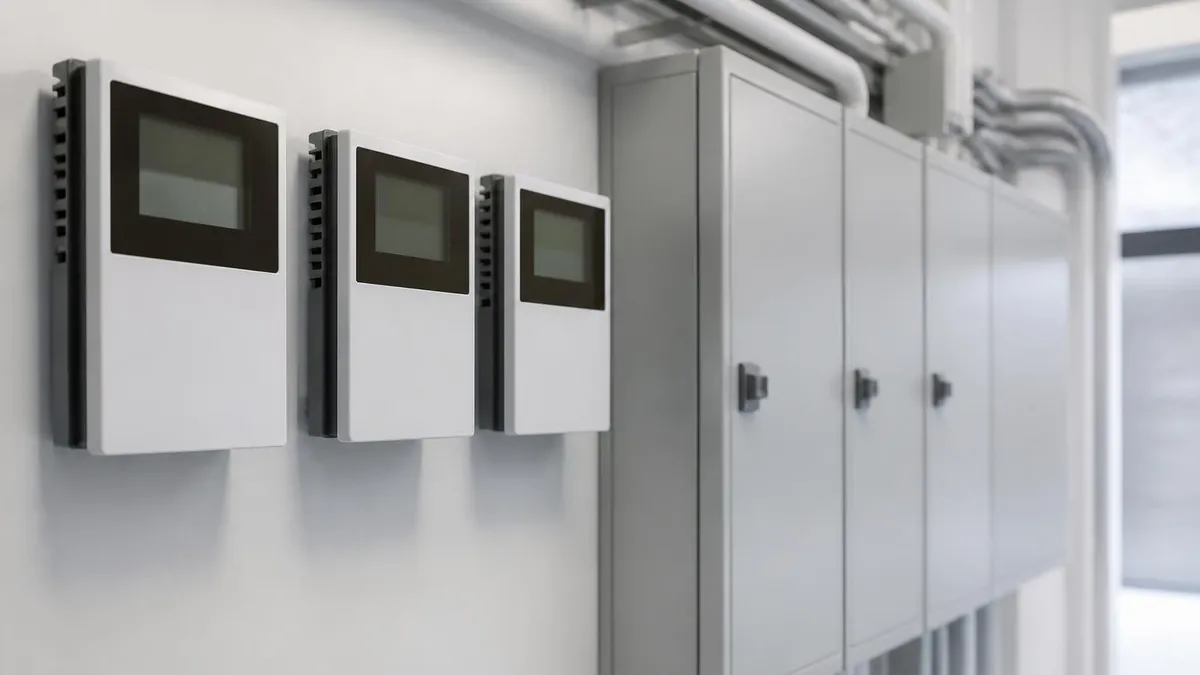
HVAC Solutions: The Complete Guide to Heating, Cooling, and Indoor Air Quality Systems for Homes and Buildings
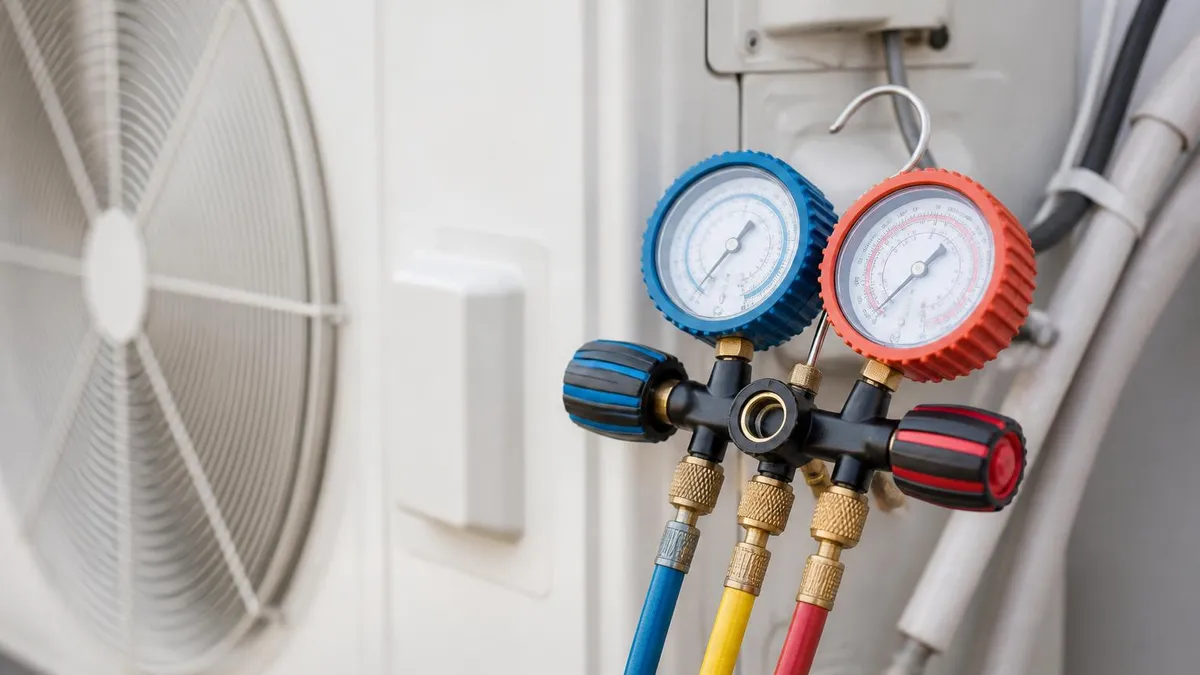
Certified HVAC Contractors: How to Find, Vet, and Hire the Right Professional for Your Home or Business
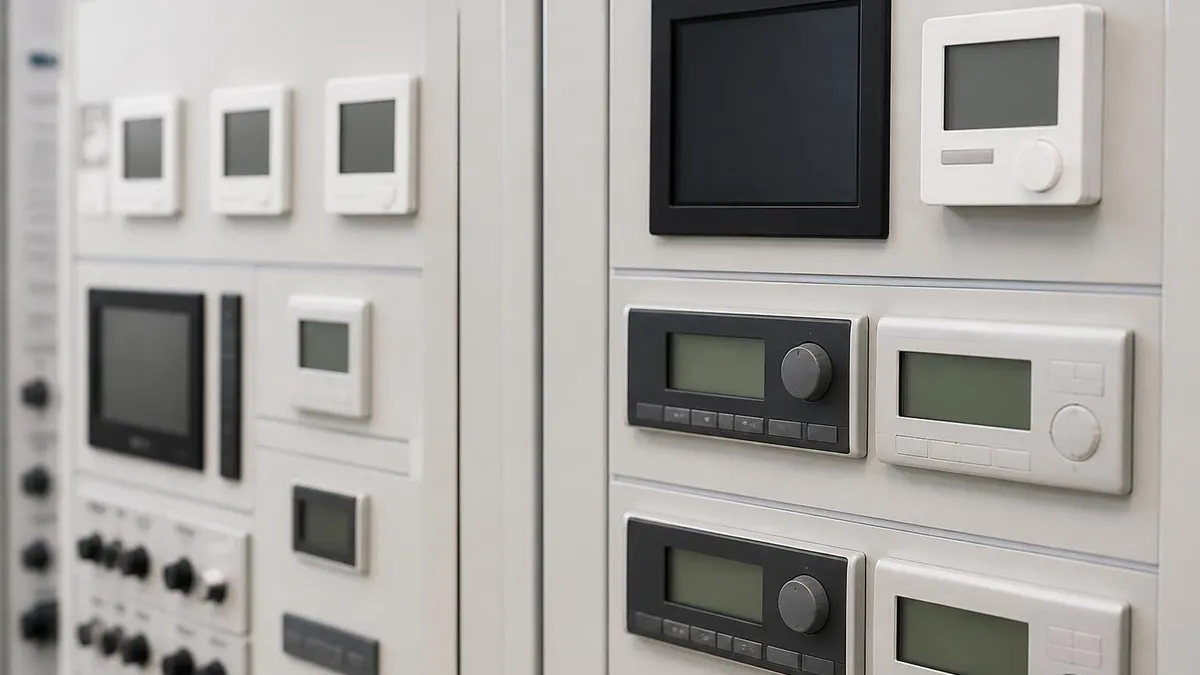
HVAC Parts and Supply: The Complete Guide to Sourcing, Identifying, and Buying Heating and Cooling Components in 2026
About the Author

NATE Certified HVAC Technician & Licensing Exam Trainer
Universal Technical InstituteMike Johnson is a NATE-certified HVAC technician and EPA 608 universal-certified refrigerant handler with a Bachelor of Science in HVAC/R Technology. He has 19 years of commercial and residential HVAC installation and service experience and specializes in preparing technicians for NATE certification, EPA 608, A2L refrigerant safety, and state HVAC contractor licensing examinations.