
Ham Radio Modes: Complete Guide to RTTY, FT8, SSB, CW, and Digital Operating for Technicians
Master ham radio modes for your license test. Learn RTTY ham radio, FT8, SSB, CW, FM, and digital modes with frequencies, gear, and operating tips. 🧠
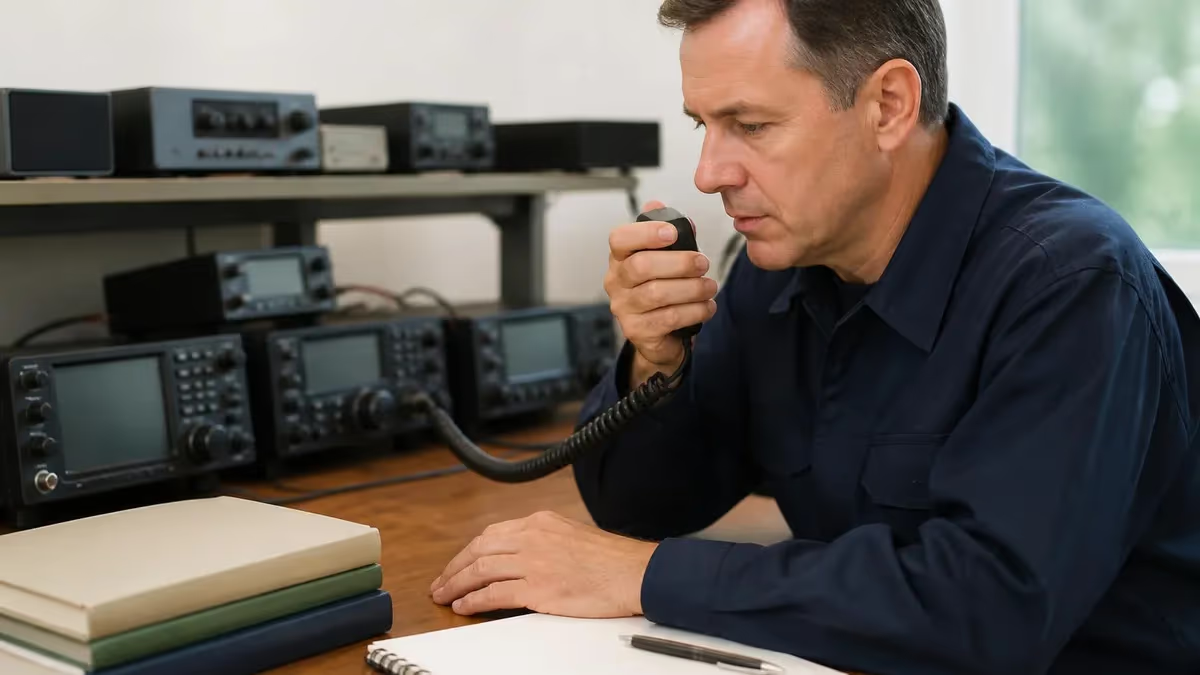
Understanding ham radio modes is one of the most rewarding parts of earning your ham radio license, and RTTY ham radio operation sits right in the heart of that learning curve. RTTY, short for radioteletype, is one of the oldest digital modes still in active use, dating back to the 1940s when teleprinter machines clattered across military and commercial circuits. Today, RTTY remains a contest favorite, a DXing staple, and a gateway mode that helps new Technicians understand how digital signals travel through the airwaves.
When you sit for your ham radio license test, you will encounter questions about emission types, bandwidth, and the practical differences between voice, CW, and digital modes. The FCC question pool expects Technicians to recognize abbreviations like F1B for FSK-modulated RTTY, J3E for single sideband voice, and A1A for unmodulated CW. Knowing what each mode sounds like, where it lives on the band plan, and what equipment it requires gives you confidence both on test day and on your first transmission.
This guide walks you through every major operating mode a Technician class licensee will encounter, from FM repeaters on 2 meters to weak-signal digital modes like FT8 that pull readable text out of noise too faint for the human ear. We will compare bandwidth requirements, hardware investments, and learning curves so you can pick the modes that match your interests, your budget, and the bands your license authorizes.
RTTY ham radio specifically uses a 170 Hz frequency shift between two audio tones, traditionally 2125 Hz for mark and 2295 Hz for space, transmitted at 45.45 baud. That precise specification matters because every RTTY operator worldwide uses the same standard, which is why a contester in Japan can decode signals from a station in Argentina without prearrangement. The mode is strong, decoder software is free, and used equipment is affordable.
For Technicians, the practical entry point into digital modes is usually FT8 or FT4 on the 10 meter band, where you have full HF privileges during sunspot peaks. RTTY, by contrast, lives mostly on 80, 40, 20, 15, and 10 meters with limited Technician access. Still, every ham should understand the mode because it underpins decades of operating tradition and contest history.
By the end of this article you will know which modes work on which bands, what each one costs to set up, and how to study the relevant exam questions efficiently. We have included practice quizzes, FAQs, and links to related study resources so you can build a complete mental map of the amateur radio landscape before you key your microphone for the very first time.
Ham Radio Modes by the Numbers
Major Categories of Ham Radio Modes
FM dominates VHF/UHF repeaters and simplex, while SSB rules HF voice work. AM still appears on nostalgic nets, and digital voice modes like DMR, D-STAR, and System Fusion bridge radio with internet linking.
Continuous wave is the original digital mode. A1A emissions use simple on-off keying with bandwidths under 200 Hz, which means CW signals punch through noise that would bury SSB voice every single time.
RTTY, PSK31, Olivia, and packet radio use audio tones to send keyboard-to-keyboard text. RTTY ham radio remains the most popular contest digital mode and requires a transceiver plus a basic sound card interface.
FT8, FT4, JT65, and Q65 use forward error correction and time synchronization to decode signals 20 dB below the noise floor. These modes revolutionized HF operating after 2017 and dominate band activity today.
SSTV transmits still photographs over voice bandwidth, while ATV sends full motion video on UHF. APRS handles position reporting and short messages, often through internet gateways to global mapping servers.
RTTY ham radio holds a special place in amateur tradition because it predates personal computers entirely. Original RTTY operators used mechanical teleprinters, like the Model 15 or Model 28, that weighed over a hundred pounds and printed received text onto paper rolls in real time. Modern operators run software decoders such as MMTTY, fldigi, or N1MM Logger integrated with their ham radio frequencies coverage transceiver, but the underlying signal has not changed in seventy years.
The mode uses frequency-shift keying with a 170 Hz separation between mark and space tones. When your transmitter sends a binary 1, it outputs the mark tone, and when it sends a binary 0, it outputs the space tone. The receiver detects which tone is present and reconstructs the original character stream using the Baudot code, a five-bit alphabet that predates ASCII by decades. Each character takes about 163 milliseconds to transmit at standard speed.
PSK31 emerged in 1998 as a low-power alternative to RTTY, occupying just 31 Hz of bandwidth instead of 250 Hz. Where RTTY needs perhaps 50 watts to maintain a contact through fading, PSK31 reliably copies signals at five watts or less. The mode uses phase-shift keying instead of frequency shift, which gives it a distinctive warbling sound and excellent rejection of selective fading on long-distance paths.
FT8 changed everything when Joe Taylor K1JT released it in 2017. The mode transmits structured messages of 75 bits during 12.6-second intervals within a strict 15-second cycle, using forward error correction so aggressive that signals 24 dB below the noise floor still decode reliably. A Technician with a modest 100-watt rig and a wire antenna can routinely work Europe, Asia, and Australia on 10 meters during good propagation, often with stations running just a few watts.
The trade-off with FT8 is that messages are highly structured and short. You exchange grid squares, signal reports, and confirmations, but there is no free-form chat. Some operators love this efficiency because it lets them complete dozens of contacts per hour while doing other things. Others miss the conversational nature of SSB or CW. Both views are valid, and most active hams use multiple modes depending on their mood and goals.
JS8Call is a newer mode built on the FT8 protocol that allows real keyboard chat with weak-signal robustness. It feels more like classic digital operating because you can type sentences and even relay messages through intermediate stations. For emergency communicators and off-grid experimenters, JS8Call combines the best of conversational text with the propagation reach of FT8 technology.
Packet radio, AX.25 specifically, was the dominant digital mode for terrestrial messaging from the 1980s through the early 2000s. While its glory days are past, packet still powers the APRS network where mobile stations report their GPS positions every minute or two on 144.390 MHz. Technicians can fully participate in APRS with any 2-meter radio and a TNC or a smartphone running APRSdroid.
Ham Radio Technician Practice Test Questions
Prepare for the Ham Radio Technician Test exam with our free practice test modules. Each quiz covers key topics to help you pass on your first try.
Ham Radio Technician Antennas & Feedlines
Ham Radio Technician Exam Questions covering Antennas & Feedlines. Master Ham Radio Technician Test concepts for certification prep.
Ham Radio Technician Basic Electronics & C...
Free Ham Radio Technician Practice Test featuring Basic Electronics & Circuitry. Improve your Ham Radio Technician Exam score with mock test prep.
Ham Radio Technician Equipment & Tools Usage
Ham Radio Technician Mock Exam on Equipment & Tools Usage. Ham Radio Technician Study Guide questions to pass on your first try.
Ham Radio Technician Amateur
Ham Radio Technician Test Prep for Amateur. Practice Ham Radio Technician Quiz questions and boost your score.
Ham Radio Technician General
Ham Radio Technician Questions and Answers on General. Free Ham Radio Technician practice for exam readiness.
Ham Radio Technician III
Ham Radio Technician Mock Test covering III. Online Ham Radio Technician Test practice with instant feedback.
Ham Radio Technician II
Free Ham Radio Technician Quiz on II. Ham Radio Technician Exam prep questions with detailed explanations.
Ham Radio Technician I
Ham Radio Technician Practice Questions for I. Build confidence for your Ham Radio Technician certification exam.
Ham Radio Technician License
Ham Radio Technician Test Online for License. Free practice with instant results and feedback.
Ham Radio Technician Licensing Regulations...
Ham Radio Technician Study Material on Licensing Regulations & Standards. Prepare effectively with real exam-style questions.
Ham Radio Technician Operating Procedures ...
Free Ham Radio Technician Test covering Operating Procedures & Etiquette. Practice and track your Ham Radio Technician exam readiness.
Ham Radio Technician Radio Wave Propagatio...
Ham Radio Technician Exam Questions covering Radio Wave Propagation & Modulation. Master Ham Radio Technician Test concepts for certification prep.
Ham Radio Technician Safety Procedures & R...
Free Ham Radio Technician Practice Test featuring Safety Procedures & Risk Management. Improve your Ham Radio Technician Exam score with mock test prep.
Voice, CW, and Image Modes for Ham Radio Bands
Single sideband suppresses the carrier and one sideband, concentrating all transmitter power into roughly 2.7 kHz of audio bandwidth. Upper sideband is standard above 10 MHz, while lower sideband is conventional below that frequency on 40, 80, and 160 meters. SSB delivers about four times the effective range of AM at the same peak envelope power, which is why it dominates HF voice operating worldwide.
Technicians have SSB voice privileges on 10 meters from 28.300 to 28.500 MHz, plus full SSB privileges on all VHF and UHF bands. During solar peaks, that 10-meter slice can deliver intercontinental contacts with a wire antenna and 100 watts. Off-peak years are quieter, but local SSB nets on 6 meters and 2 meters provide consistent activity year-round.

Is RTTY Ham Radio Worth Learning in 2026?
- +Strong mode that survives heavy QRM and selective fading on crowded contest weekends
- +Free decoder software like MMTTY, fldigi, and N1MM Logger Plus handles all the heavy lifting
- +Used hardware is plentiful and affordable, with sound card interfaces starting under fifty dollars
- +Major contests every month provide thousands of stations to work in a single weekend
- +Skills transfer directly to other FSK digital modes including amateur satellite telemetry
- +DXCC and WAS awards specifically for RTTY mode add a clear progression goal
- −Technicians have limited RTTY privileges, restricted mostly to 10 meter band segments
- −Wider bandwidth than PSK31 or FT8 means you need more power for reliable copy
- −Activity levels have declined as FT8 absorbed casual operators since around 2018
- −Real-time conversation is slow compared to SSB voice or even keyboard chat modes
- −Learning curve includes macros, exchange formatting, and contest software setup
- −Some band segments still suffer interference from automated SELCAL and weather fax signals
Pros and Cons at a Glance
| Pros | Cons |
|---|---|
| Strong mode that survives heavy QRM and selective fading on crowded contest weekends | Real-time conversation is slow compared to SSB voice or even keyboard chat modes |
| Used hardware is plentiful and affordable, with sound card interfaces starting under fifty dollars | Learning curve includes macros, exchange formatting, and contest software setup |
| Major contests every month provide thousands of stations to work in a single weekend | Some band segments still suffer interference from automated SELCAL and weather fax signals |
Ham Radio Equipment Checklist for Digital Modes
- ✓HF transceiver with USB CAT control and a built-in or external sound card interface
- ✓Computer or tablet with a stable USB connection and at least one free USB-A or USB-C port
- ✓Digital mode software such as WSJT-X for FT8, fldigi for RTTY, or DXLab Suite for logging
- ✓Time synchronization via NTP, Dimension 4, or Meinberg software to keep clock within one second
- ✓Resonant antenna for your target bands with SWR below 2:1 across the digital sub-bands
- ✓Power supply rated for continuous-duty operation, typically 25 amps or higher at 13.8 volts
- ✓Headphones for accurate audio monitoring during marginal copy conditions
- ✓USB-isolated audio cable or transformer to break ground loops that cause RF feedback
- ✓Updated logging program with electronic QSL upload to LoTW, eQSL, and Club Log
- ✓Spare fuses, patch cables, and a known-good dummy load for safe testing without radiating
Set your power to 30 watts or less on FT8
WSJT-X mode protocols were designed for weak signals. Running 100 watts when 25 watts will work creates splatter, distortion, and complaints from neighboring stations. Start low, watch your ALC meter stay at zero, and only increase power if the receiving station genuinely cannot copy you.
Knowing where each mode lives on the band plan is essential for both passing your license exam and operating without causing interference. The ARRL band plan is a voluntary gentlemans agreement that segregates modes by convention, while the FCC sub-band allocations are legally binding rules in Part 97. Technicians must respect both, but the legal limits matter most because violations can trigger enforcement action and threaten your license renewal.
On 10 meters, Technicians can run CW from 28.000 to 28.300 MHz, RTTY and data from 28.000 to 28.300 MHz, and SSB voice from 28.300 to 28.500 MHz. Within those windows, the calling frequencies have settled by convention. FT8 lives on 28.074 MHz, FT4 on 28.180 MHz, PSK31 around 28.120 MHz, and RTTY contests center near 28.080 MHz. Memorize those numbers because they appear on the exam and in every cluster spot you will ever click.
The 6 meter band, sometimes called the magic band because of unpredictable sporadic-E openings, gives Technicians full privileges from 50.000 to 54.000 MHz. CW occupies 50.000 to 50.100 MHz, SSB lives from 50.100 to 50.500 MHz with 50.125 as the calling frequency, and FT8 dominates 50.313 MHz. During summer Es openings, six meters can deliver thousand-mile contacts on a quarter-wave antenna and 25 watts.
Two meters, from 144.000 to 148.000 MHz, is the bread and butter of most Technicians. The CW segment is 144.000 to 144.100 MHz, SSB and digital weak-signal work happens between 144.100 and 144.275 MHz with 144.200 MHz as the SSB calling frequency, and FM repeater outputs occupy 145.200 to 145.500 MHz and 146.610 to 147.390 MHz. APRS lives at 144.390 MHz nationwide, and the ISS downlinks on 145.800 MHz.
The 70 centimeter band, 420 to 450 MHz, hosts the densest repeater activity in most cities. Repeater outputs cluster around 442 to 445 MHz and 447 to 450 MHz with five megahertz negative offsets. ATV, amateur television, operates in the 421 to 425 MHz segment in some regions. Digital voice modes like DMR, D-STAR, and Yaesu System Fusion share these frequencies with traditional FM repeaters under coordinated frequency-use agreements.
Band conditions change with the solar cycle, time of day, and season. Ten meters works best during sunspot maximums, while 80 and 40 meters open every night regardless of solar activity. Six meters is a summer band primarily. Two meters and 70 centimeters work line-of-sight year-round, with occasional tropospheric ducting extending range to several hundred miles during weather inversions. Build your operating routine around the bands that match the modes you want to use.
Software tools like VOACAP, PSK Reporter, and the PropNet websites visualize real-time propagation so you can pick the right mode and band for current conditions. PSK Reporter is especially valuable because it shows which stations decoded your signal in the last few minutes, providing immediate feedback on whether your antenna, power, and band choice are working. Refresh it every five minutes during an operating session and you will quickly learn what works.
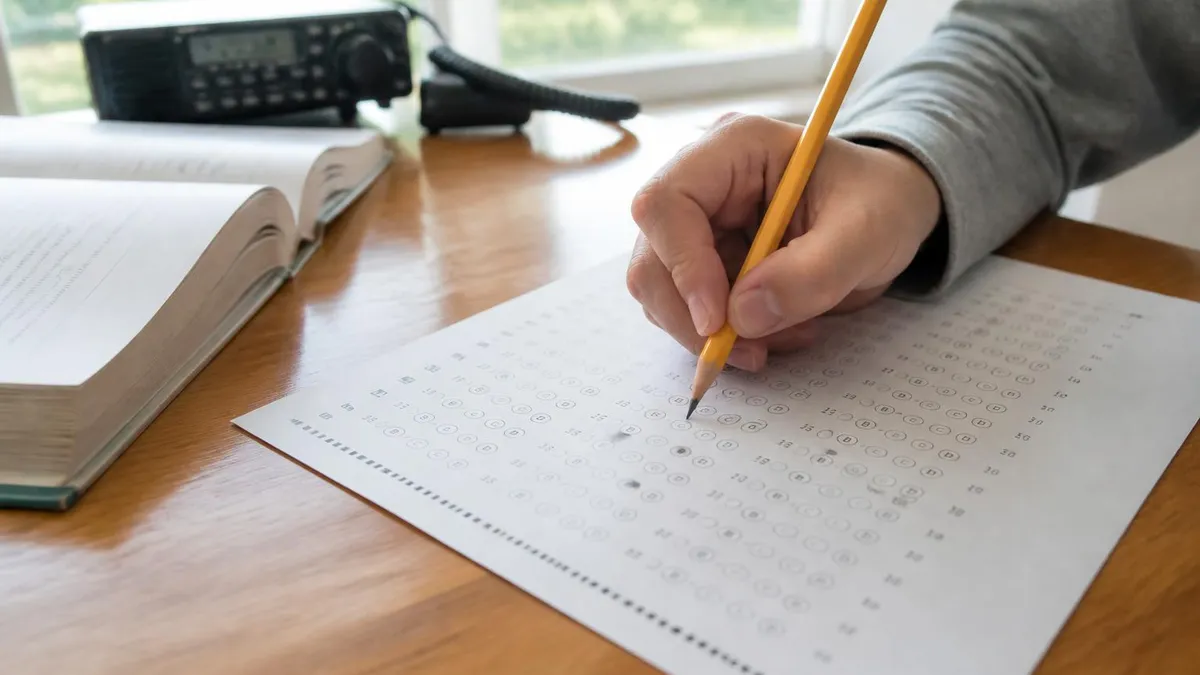
Technicians have voice privileges on only a narrow slice of 10 meters between 28.300 and 28.500 MHz. Transmitting voice below 28.300 MHz is a Part 97 violation. Modern radios let you lock the dial to authorized segments — use that feature until the limits become second nature.
Contesting transforms ham radio modes from a hobby into a competitive sport. The major RTTY contests, including the CQ WW RTTY in late September, the ARRL RTTY Roundup in January, and the BARTG RTTY contests, attract thousands of participants worldwide. Working a contest as a Technician on 10 meters during sunspot peaks is an excellent way to log dozens of new countries in a single weekend. Pick up a copy of a contest logging program, learn the exchange format, and start with the search-and-pounce technique.
DXing, the pursuit of distant or rare stations, is the other major motivator for digital operators. The DX Century Club award requires confirmed two-way contacts with one hundred or more entities, and separate endorsements exist for CW, SSB, RTTY, and mixed mode. Many active DXers maintain spreadsheets tracking which countries they have worked on which modes, then plan their operating sessions around DXpeditions, contests, and propagation windows that fill gaps.
For Technicians who want broader access to ham radio outlet retail purchases and gear, upgrading to General class opens 80, 40, 20, and 15 meters where most digital activity actually happens. The General class license test adds another 35 questions on top of the Technician material, but the additional bands are absolutely worth the effort if RTTY and FT8 contesting interests you. Most hams who pursue digital modes seriously upgrade within their first year.
Quality logging is essential for contesting and DX awards. Programs like N1MM Logger Plus, Win-Test, and Writelog handle contest exchanges, dupe checking, and electronic submission to contest sponsors. For everyday logging, DXLab, Log4OM, and HRD provide LoTW upload, QSL card printing, and award tracking. Whatever you choose, log every contact in real time and back up your data weekly to cloud storage or an external drive.
Equipment investment scales with ambition. A used Yaesu FT-450D, Icom IC-7300, or Kenwood TS-590S in the seven-hundred-dollar range covers all HF modes including digital, with a built-in sound card interface in the IC-7300 case. Add a 132-foot end-fed wire, a 30-amp power supply, and a thirty-dollar USB cable and you are on the air for under a thousand dollars. Antenna upgrades and amplifiers come later as your interests sharpen.
Operating courtesy matters as much as technical skill. Listen before transmitting on any frequency. Use the minimum power necessary to maintain communication. Acknowledge calls from weaker stations even when stronger signals are calling you. Send signal reports honestly rather than inflating them. These habits separate respected operators from the ones whose call signs trigger eye rolls in club meetings. The amateur radio service has lasted over a century because operators have policed themselves with these unwritten standards.
Finally, join a local club. ARRL-affiliated clubs run license classes, host field days, organize public service events, and provide mentors who will help you set up your first digital station. The collective knowledge in a typical club meeting is staggering, and most members happily share antennas to test, software to try, and stories that put modern operating into historical context. No online forum substitutes for a face-to-face conversation with a fifty-year veteran of the bands.
Final preparation for the Technician exam should focus on the mode-related questions that historically trip up new applicants. Memorize the meaning of emission designators like A1A for unmodulated CW, F1B for FSK RTTY, F3E for FM voice, and J3E for SSB voice. Know which sideband convention applies above and below 10 MHz. Understand that PSK31 occupies just 31 Hz while FM voice fills 16 kHz. These facts repeat across multiple exam questions in different wordings.
Build a study schedule of fifteen to thirty minutes per day for four to six weeks rather than cramming the weekend before your test. Daily repetition cements memory far better than marathon sessions, and most candidates who use this approach pass on the first attempt. Free question pool databases like the ones at HamStudy and QRZ let you drill specific subelements until your accuracy rate exceeds 85 percent across every category.
On test day, arrive fifteen minutes early with two forms of identification, the FCC FRN you created beforehand, the fifteen-dollar exam fee, a calculator, two number-two pencils, and a smile. The 35-question Technician exam takes most candidates twenty to thirty minutes. You need 26 correct answers to pass, which means you can miss nine and still earn your call sign. Read every question twice before answering and skip the hard ones for a second pass.
After you pass, the FCC publishes your call sign in the ULS database within seven to ten business days. Set up a daily check at fcc.gov/uls and start preparing to transmit the moment your callsign appears. Many new Technicians make their first contact within an hour of seeing their callsign go live, often on a local repeater where a club member is standing by to welcome them aboard the hobby.
For continued learning, watch the question-pool video lessons at ham radios resources online, which walk through every concept visually. Reading the ARRL Operating Manual cover to cover during your first six months will fill gaps the exam never tests but every active operator needs. The Manual covers practical topics like grounding, lightning protection, station ergonomics, and emergency communications protocols.
Plan your first equipment purchases carefully. A Baofeng UV-5R handheld at thirty dollars is fine for learning, but most new Technicians outgrow it within months. Save another two hundred dollars and buy a Yaesu FT-65 or Icom IC-T10, both of which deliver better receivers, longer battery life, and cleaner transmit audio. The difference between a budget handheld and a quality one becomes obvious the first time you work a weak repeater from a difficult location.
Most importantly, get on the air. The biggest mistake new Technicians make is studying forever without ever pressing the transmit button. Operating teaches you things no book or video ever will, including the personality of your local repeaters, the rhythm of nets, and the small social rituals of amateur radio. Set a goal of one contact per day for your first month, and you will become a confident operator far faster than you imagined possible.
Sample Ham Radio Technician Test Practice Questions
Try these questions from our free Ham Radio Technician Test practice tests. The correct answer and an explanation follow each question.
What must an amateur radio operator do if their license expires and they want to continue operating?
- A. Retake the exam immediately
- B. Apply for renewal within 90 days before expiration and stop transmitting after expiration
- C. Continue operating for up to 2 years during the grace period
- D. Purchase a temporary permit from the FCC
Answer: C. Continue operating for up to 2 years during the grace period
The FCC provides a 2-year grace period after expiration during which the licensee may renew without retesting, but cannot operate until renewed.
Under FCC rules, what is the maximum symbol rate permitted for Technician class operation on 10 meters using digital modes?
- A. 300 baud
- B. 1200 baud
- C. 9600 baud
- D. No symbol rate limit applies on 10 meters
Answer: A. 300 baud
On HF bands below 28 MHz, the maximum symbol rate for digital emissions is 300 baud; on 10 meters the Technician HF data segment follows the same 300-baud limit.
What is the correct way to indicate that you are operating under a reciprocal operating agreement in a foreign country?
- A. Use your home call sign only
- B. Use the foreign country's prefix followed by your home call sign
- C. Use a temporary call sign issued by the foreign country only
- D. No special identification is needed
Answer: B. Use the foreign country's prefix followed by your home call sign
Under reciprocal agreements, a U.S. amateur typically uses the host country's prefix combined with their home call sign.
What call sign format is used for a U.S. amateur radio station when operating in a different call district than its licensed district?
- A. The call sign must be changed to match the operating district
- B. The call sign remains unchanged; no district indicator is required under current FCC rules
- C. The operator must add a portable indicator such as /7 after the call sign
- D. A temporary call sign is issued by the FCC for out-of-district operation
Answer: B. The call sign remains unchanged; no district indicator is required under current FCC rules
Under current FCC rules, U.S. amateurs are not required to modify their call sign when operating from a different call district.
Ham Radio Technician Questions and Answers
Ham Radio License Practice Test: Free Technician Exam Prep & Question Pool
Ham Radio Handheld: Complete Guide to HT Selection, Programming, and Technician License Use
Ham Radio Technician
Ham Radio License: What It Is and How to Get One
Ham Radio Transceiver Guide: Choosing Your First Radio for the Technician License
About the Author

Educational Psychologist & Academic Test Preparation Expert
Columbia University Teachers CollegeDr. Lisa Patel holds a Doctorate in Education from Columbia University Teachers College and has spent 17 years researching standardized test design and academic assessment. She has developed preparation programs for SAT, ACT, GRE, LSAT, UCAT, and numerous professional licensing exams, helping students of all backgrounds achieve their target scores.
Join the Discussion
Connect with other students preparing for this exam. Share tips, ask questions, and get advice from people who have been there.
View discussion (3 replies)