
OSHA App: Free Safety Tools, What They Do, and How to Choose the Right One
🎯 Find the best OSHA app options, from the OSHA-NIOSH Heat Safety Tool to third-party checklists, plus tips to verify training and stay compliant.
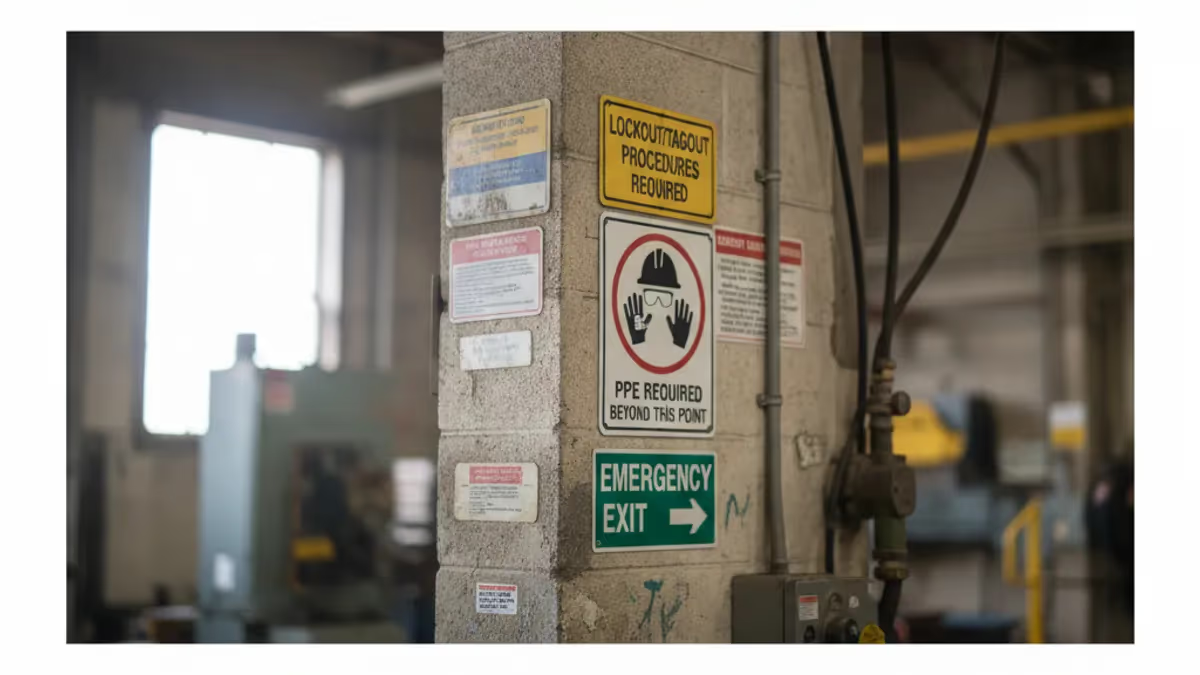
An osha app is a mobile tool that puts workplace safety information, calculators, or training reminders on your phone. Strictly speaking, the federal Occupational Safety and Health Administration publishes very few apps of its own, so most people searching for an osha app are really looking for one of a handful of government-backed tools, or for a third-party app that organizes safety checklists. Knowing which is which saves time, storage, and frustration on the job site.
The best-known example is the OSHA-NIOSH Heat Safety Tool, a free app that reads your location, pulls the local forecast, and shows the heat index along with a risk level. Workers in roofing, landscaping, agriculture, and warehouses use it to decide when to schedule water, rest, and shade. The app also lists precautions matched to each risk level, so a supervisor can translate a number on a screen into specific actions for a crew.
Other government apps come from NIOSH, the research arm of the Centers for Disease Control and Prevention. The NIOSH Sound Level Meter measures noise exposure using a phone microphone, while the NIOSH Ladder Safety app helps users check ladder angle and setup using the phone's built-in sensors. These tools are screening aids, not certified instruments, but they teach good habits and flag obvious problems before a formal inspection or an industrial hygienist is needed.
Beyond federal tools, an entire market of private apps promises inspection checklists, incident reporting, toolbox talk logs, and safety data sheet libraries. Some are excellent and used by large contractors, while others are thinly disguised marketing. None of them replace OSHA standards, and none grant an official card. A digital checklist is only as good as the standard it tracks, so the regulations in 29 CFR 1910 and 1926 remain the source of truth.
Many searchers also hope an osha app can deliver training, such as the 10-hour or 30-hour card. This is where confusion is most costly. Only trainers authorized through the OSHA Outreach Training Program can issue official Department of Labor cards, and course providers must be approved. An app can support learning with practice questions and flashcards, but it cannot certify you. Always verify a provider before paying for any online course.
This guide explains which apps are genuinely connected to OSHA, what each one does, how to judge a third-party safety app, and how to combine mobile tools with real preparation. You will also find a checklist for evaluating apps, notes on privacy and offline use, and study strategies for people preparing for an OSHA 10 or 30 exam. Use the table of contents to jump to the section you need.
Throughout, we focus on practical decisions: which app to install first, which to skip, and when a paper checklist or a phone call to a qualified professional is the better choice. Awareness matters because workers who know their tools exist are far more likely to use them before an incident rather than after one. A few minutes of setup today can prevent a serious injury next summer.
OSHA Safety by the Numbers
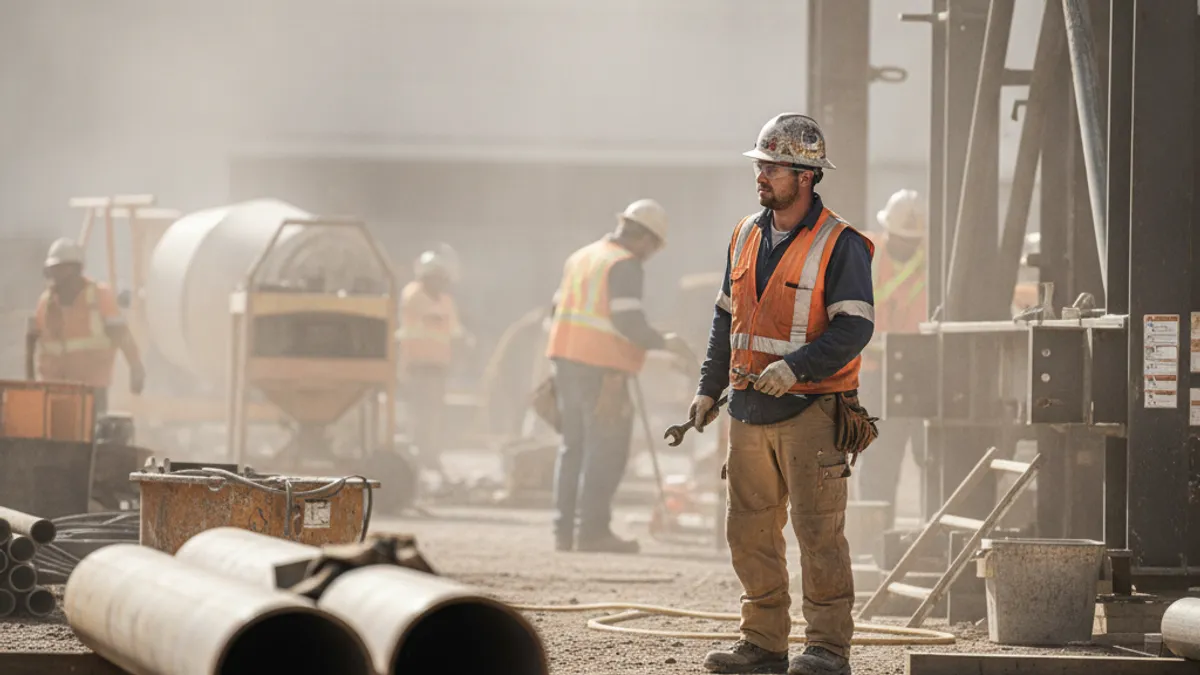
Official and Government-Backed OSHA App Options
Uses your location and the local forecast to display the heat index, a color-coded risk level, and recommended precautions. It is the most widely recognized app tied directly to OSHA and is free on iOS and Android.
Measures workplace noise using the phone microphone and compares readings with recommended exposure limits. It is a screening tool that helps you spot loud areas, but it does not replace calibrated dosimeters or formal audiometric programs.
Uses the phone's sensors to help you set an extension ladder at the proper angle and reminds you of inspection and climbing rules. It supports falls prevention, which remains a leading cause of construction deaths.
The osha.gov site works well on phones for filing complaints, searching standards, and downloading publications. No installation is needed, and it always reflects current rules, making it a dependable alternative to unofficial apps.
The OSHA-NIOSH Heat Safety Tool deserves a closer look because it is the clearest answer to what an osha app can do well. Heat illness sends thousands of workers to the hospital every year, and the problem is not a lack of knowledge but a lack of timely prompts. The app converts temperature and humidity into a heat index, then assigns a risk level, so a foreman can make a decision in seconds rather than guessing.
The risk levels follow a simple pattern. A heat index below 91 degrees Fahrenheit is considered lower risk, though basic precautions still apply. From 91 to 103 degrees the risk is moderate, from 103 to 115 it is high, and above 115 it is very high to extreme. At each step the app recommends stronger measures, from drinking water and wearing light clothing to scheduling frequent rest breaks and adjusting the pace of work.
Hydration guidance is one of the most practical features. Workers are generally advised to drink about one cup of water every 15 to 20 minutes while working in the heat, rather than waiting until they feel thirsty. Thirst lags behind actual fluid loss, so a reminder helps. The app also prompts supervisors to provide shade or cooled rest areas and to know the symptoms of heat exhaustion and heat stroke.
Acclimatization is another point the tool highlights. Many heat-related deaths occur during the first days on a new job, when the body has not adapted. A common recommendation is for new or returning workers to begin with no more than 20 percent of a normal workload on day one and to increase by about 20 percent each following day. Following this schedule gives the body time to adjust safely.
The app is also useful for planning. Because it pulls an hourly forecast, a crew lead can see which hours will carry the highest heat index and move strenuous tasks to the morning. Paving, roofing, and tank cleaning crews often benefit most. Seeing the afternoon spike on a screen makes it easier to justify an earlier start time to a client or project manager who might otherwise resist.
Limitations matter too. The heat index in the app assumes shade, so direct sun, radiant heat from machinery, heavy protective clothing, and indoor sources such as boilers or kitchens can push real conditions much higher. Supervisors should add several degrees to the displayed value when work occurs in full sun, and should treat the app as a starting point rather than a guarantee of safety.
Finally, the tool is not a legal compliance record. It does not log your decisions, document training, or prove that an employer met its general duty obligations. Employers should still maintain a written heat plan, train workers to recognize symptoms, and keep emergency procedures current. Used alongside those basics, the app is a quick, free, and surprisingly effective layer of protection for outdoor and indoor hot-environment work.
Using an OSHA App on the Job: Construction, General Industry, and Outdoor Work
Construction crews face the so-called Focus Four hazards: falls, struck-by incidents, caught-in or between events, and electrocution. A mobile app can support daily prevention by hosting a pre-task checklist that covers ladder condition, guardrails, harness anchor points, and overhead power lines. Foremen often photograph unsafe conditions, assign corrective actions, and close them out before the next shift starts.
Apps like the NIOSH Ladder Safety tool are especially useful on small jobs where no full-time safety manager is present. A carpenter can check ladder angle in seconds and review the three-point contact rule before climbing. Remember that an app only supports the plan. The competent person, written site safety program, and OSHA 10 or 30 training still do the heavy lifting on a regulated worksite.

Are OSHA Apps Worth Using on the Job?
- +Free government apps cost nothing and receive no advertising pressure
- +Heat risk levels turn raw weather data into clear actions
- +Phones are always at hand, so reminders reach workers where they stand
- +Checklist apps replace paper forms and speed up hazard follow-up
- +Photos and timestamps create a useful record of conditions found
- +Mobile access to standards and safety data sheets saves search time
- −Few apps are published by OSHA itself, so quality varies widely
- −Phone sensors are screening tools and are not calibrated instruments
- −No app can issue an official OSHA 10 or OSHA 30 card
- −Some third-party apps collect worker data with unclear privacy terms
- −Poor cell coverage on remote sites can make cloud-based tools unreliable
- −Relying on an app may create false confidence and weaken hazard awareness
How to Evaluate an OSHA App Before You Install It
- ✓Confirm the publisher is OSHA, NIOSH, or a company you can verify.
- ✓Read the app description for claims about issuing official OSHA cards.
- ✓Check whether content cites specific standards in 29 CFR 1910 or 1926.
- ✓Review the privacy policy to see what location and worker data is collected.
- ✓Test whether key features work offline before heading to a remote site.
- ✓Look at recent update dates to make sure the app is still maintained.
- ✓Read user reviews that mention real jobsite use, not just download counts.
- ✓Compare any calculators with trusted guidance on osha.gov or cdc.gov.
- ✓Ask your employer whether the app meets company recordkeeping requirements.
- ✓Delete apps that demand excessive permissions or push aggressive upsells.
Official Cards Never Come From an App Store
Only OSHA-authorized trainers can issue Department of Labor OSHA 10 and OSHA 30 cards. If an app promises an instant official card for a quick payment, treat it as a red flag and verify the provider on osha.gov first.
One of the most common questions about any osha app is whether it can be used to report a problem. The short answer is that official reporting runs through OSHA's own channels. You can file a complaint online at osha.gov, call the hotline at 1-800-321-OSHA (6742), contact your local area office, or send a written complaint. A third-party safety app may help you collect photos and notes, but it does not transmit a report to OSHA.
Serious incidents carry strict deadlines. Employers must report a work-related fatality to OSHA within 8 hours of learning about it. Inpatient hospitalizations, amputations, and the loss of an eye must be reported within 24 hours. These reports can be made by phone or through the online form. Missing the deadline can lead to separate penalties, so supervisors should save the hotline number and the area office contact in their phones.
Workers also have protection against retaliation. Section 11(c) of the Occupational Safety and Health Act prohibits employers from punishing employees for raising safety concerns, filing a complaint, or reporting an injury. A worker who believes they were fired, demoted, or disciplined for those reasons generally has only 30 days to file a whistleblower complaint with OSHA. That short window is one reason workers should keep dated records of what happened.
Keeping your own records is where a mobile app can genuinely help. A simple notes app, a photo log, or a dedicated safety app can capture the date, location, and description of a hazard, who you told, and how the company responded. Time-stamped photos of a missing guard, a blocked exit, or a leaking chemical container make a complaint more specific and easier for an inspector to evaluate.
Employer recordkeeping is a separate matter. Many employers with more than 10 employees must keep injury and illness records, including the OSHA 300 log, the 300A annual summary, and the 301 incident report. Certain low-hazard industries are partially exempt. Some establishments in designated industries must also submit their 300A data electronically each year. Software can help organize those forms, but the legal responsibility stays with the employer.
Safety data sheets are another area where apps are useful. Under the Hazard Communication Standard, workers must have access to a sheet for each hazardous chemical they use. Many employers now keep these in a digital library or scan a QR code at the storage area. The format is flexible, but access must be immediate. If a phone-based system fails when the network drops, a paper backup is essential.
Inspectors do not accept an app as proof of compliance by itself. During an inspection, compliance officers look at written programs, training records, physical conditions, and employee interviews. Digital records are welcome when accurate and accessible, yet they must show that hazards were found and fixed. Think of the app as a filing cabinet and notebook, while the real compliance comes from the actions the records describe.

Some websites and apps imitate official OSHA branding or promise an OSHA card without authorized instruction. Confirm that any online provider is listed as an OSHA-authorized trainer before paying, and be skeptical of prices that seem too low or guarantees that skip the required training hours.
Training is the other big reason people look for an osha app. The OSHA Outreach Training Program offers 10-hour courses for entry-level workers and 30-hour courses for supervisors and others with safety responsibility. There are separate tracks for construction, general industry, maritime, and disaster site work. Successful students receive a Department of Labor card, which many employers, unions, and some states or cities require before a worker may step on a job.
Online delivery has made these courses easier to take on a phone or tablet, and that is where the app question becomes practical. A mobile-friendly course from an authorized provider is legitimate, but it must meet time limits, such as capping daily training at 7.5 hours, and it must include required topics. Quick unproctored shortcuts are suspicious. Before enrolling, look for a provider's authorization and a clear explanation of how the official card will be delivered.
Costs vary, but legitimate online OSHA 10 courses commonly fall well under two hundred dollars, and OSHA 30 courses cost more because of the extra hours. Employers often pay for them, particularly in construction. A printable temporary certificate may be available right after completion, while the plastic card typically arrives by mail in a few weeks. Keep the certificate, because replacement rules and fees differ by provider.
Card expiration is a frequent misunderstanding. Federal OSHA does not set an expiration date for Outreach cards, but some states, cities, and employers require refresher training every few years. New York City and Nevada, for example, have specific site safety training rules for certain projects. Always check local requirements and ask the hiring contractor what they accept, because a card that is valid in one place may not satisfy another.
An app can still help you study. Flashcards, practice questions, and short quizzes reinforce what the course covers: worker rights, employer responsibilities, hazard communication, personal protective equipment, fall protection, electrical safety, and the Focus Four in construction. Spacing short sessions through the week works better than one long cram session. Even ten minutes on a lunch break adds up, especially when you review the questions you missed.
Content quality matters when choosing practice material. Good questions reflect the actual standards, explain why an answer is correct, and avoid trick wording. Poor material may include outdated numbers, such as old penalty amounts or reporting deadlines. When a fact seems surprising, check it against osha.gov. Penalties, for instance, are adjusted for inflation each year, with serious violations currently costing roughly sixteen thousand dollars and willful or repeat violations many times more.
Remember that the goal is not only to pass a quiz or collect a card. Workers who understand why a rule exists make better decisions when something unexpected happens. They know they can ask for protective equipment, request an inspection, and refuse unsafe work in narrow, imminent-danger situations. Treat any app, course, or practice test as a way to build that understanding, and your safety knowledge will outlast the card in your wallet.
Start with a short audit of your phone. Install the OSHA-NIOSH Heat Safety Tool if you work in warm conditions, and bookmark osha.gov so the complaint form and standards are one tap away. Save the hotline number, 1-800-321-6742, and your local area office as contacts. Deleting duplicate or unused safety apps reduces clutter, and you will be more likely to open the few tools that actually matter.
Next, pair every digital tool with a physical backup. Batteries die, cell service fails in basements and rural areas, and gloves make touchscreens hard to use. Keep a laminated copy of emergency contacts, site address, and basic heat illness symptoms in your toolbox or vehicle. Supervisors should do the same for safety data sheets and evacuation maps so the crew is never stuck waiting for a login screen.
If you are preparing for an OSHA 10 or OSHA 30 course, build a study routine before the first lesson. Review the main topics: worker rights, employer duties, hazard communication, PPE, walking and working surfaces, and, for construction, the Focus Four. Set a weekly goal of three or four short sessions. Write down every question you miss, then look up the standard behind it, so you learn the reasoning rather than memorizing answers.
Use practice questions strategically. Take one set cold to find your weak spots, study those areas, and retake a different set a few days later. Explanations are more valuable than scores, because they show how OSHA frames a hazard. Pay attention to numbers that are easy to confuse, such as the 8-hour fatality report, the 24-hour hospitalization report, and the 30-day whistleblower window.
On the job, make the app part of a routine rather than a reaction. Check the heat forecast before the morning huddle, review the day's hazards, and agree on who will watch for early signs of illness. Encourage new workers to speak up, since the first week is the most vulnerable. A crew that talks openly about conditions will catch problems earlier than one that treats safety as paperwork.
When you find a hazard, follow a clear sequence. Stop the work if the danger is imminent, tell your supervisor, document it with a photo and a short note, and follow up if it is not fixed. If the employer does not act, you can contact OSHA. Workers should never feel they must choose between speaking up and keeping their job, and the law protects that right.
Finally, keep learning after the card arrives. Standards change, new guidance is published, and heat-related rules continue to evolve. Subscribe to OSHA's updates, review your employer's safety program once a year, and refresh your knowledge before major projects. An osha app can be a helpful companion, but your judgment, training, and willingness to act are what keep you and your coworkers safe.
OSHA Questions and Answers

OSHA Approved Safety Glasses: Complete 2026 Guide to ANSI Z87.1 Eye Protection Standards, Selection, and Workplace Compliance

OSHA 30 Online: Complete Guide to Online OSHA 30-Hour Training

OSHA 10 Certification: What It Covers, Who Needs It, and How to Get Your Card

OSHA Fatalities: Understanding Workplace Death Statistics, Causes, and Prevention in the US

Which Groups Do Not Fall Under OSHA Coverage? Complete Exemption Guide for 2026
About the Author

Certified Safety Professional & OSHA Compliance Expert
Indiana University of Pennsylvania Safety SciencesDr. William Foster holds a PhD in Safety Science from Indiana University of Pennsylvania and is a Certified Safety Professional (CSP) and Certified Hazardous Materials Manager. With 20 years of occupational health and safety management experience across construction, manufacturing, and chemical industries, he coaches safety professionals through OSHA certification, CSP, CHST, and safety management licensing programs.
Join the Discussion
Connect with other students preparing for this exam. Share tips, ask questions, and get advice from people who have been there.
View discussion (8 replies)