
Internet Speed Test: How to Test, Read Results & Improve Speed
Learn how a Speakeasy internet speed test works, what download/upload/ping mean, and how to improve slow internet at home.

Running an internet speed test is the first thing to do when your connection feels slow, video calls keep dropping, or pages take forever to load. A speed test measures how fast data moves between your device and a remote server, giving you objective numbers — download speed, upload speed, ping, and jitter — that show whether your connection is performing at the level you're paying for.
The Speakeasy internet speed test is one of the most established tools in this space, alongside Ookla's Speedtest.net, Fast.com, and Google's built-in speed test. All measure the same fundamental metrics, with small differences in methodology that occasionally produce different results.
Understanding what speed test results mean is the difference between knowing your connection is slow and knowing why. Download speed is what most people focus on — it determines how quickly streaming video, web pages, and downloads load. Upload speed matters more than people realize for video calls, cloud backups, and uploading content. Ping (latency) measures how quickly your device gets a response from the server, affecting gaming, video conferencing quality, and how snappy web browsing feels. Jitter measures variability in ping — high jitter causes choppy voice calls even when ping is otherwise low.
Before running a test, it helps to know what you should be getting. Internet service providers (ISPs) advertise speeds like "up to 200 Mbps" or "500 Mbps" — these are theoretical maximums, not guarantees. Real-world performance typically lands within 70-90% of advertised speeds during off-peak hours. Significant deviations — 50% of advertised speed or less — indicate a problem somewhere in your connection, whether that's your equipment, your home network, or your ISP's network. Speed tests give you the data needed to identify which.
This guide walks through how speed tests work, what each metric means in practical terms, how to run a test correctly for accurate results, what speeds you actually need for common online activities, troubleshooting tips when speeds are too low, and when it's time to upgrade your service or switch providers. Whether you're diagnosing a problem or just curious about your connection, you'll find the answers here.
Speed tests have evolved alongside internet technology. Early tests in the dial-up era took minutes and measured kilobits per second. Modern tests handle gigabit connections in seconds and report sub-millisecond timing precision. The increased sophistication reflects how much the internet now matters in daily life — what was once a curiosity for tech enthusiasts is now a routine diagnostic any household might run when troubleshooting connectivity issues.
Download speed: How fast data moves to your device — affects streaming, web browsing, downloads
Upload speed: How fast data leaves your device — affects video calls, cloud uploads, file sharing
Ping (latency): Round-trip response time — under 50ms is good, under 20ms is excellent
Jitter: Variability in ping — high jitter causes choppy calls and gaming lag
Speed unit: Mbps (Megabits per second) — 8 Mbps = 1 megabyte per second download capacity
How a speed test actually works is straightforward. Your device sends data to a test server (usually one geographically close to you), measures how long it takes to upload, then receives data back and measures download. The combination produces your download and upload speeds in megabits per second (Mbps). Ping is measured separately by sending a small packet to the server and timing how long until acknowledgment comes back. Different test tools — Speakeasy, Speedtest.net by Ookla, Fast.com by Netflix — use slightly different server networks and measurement protocols, which can cause variation in results.
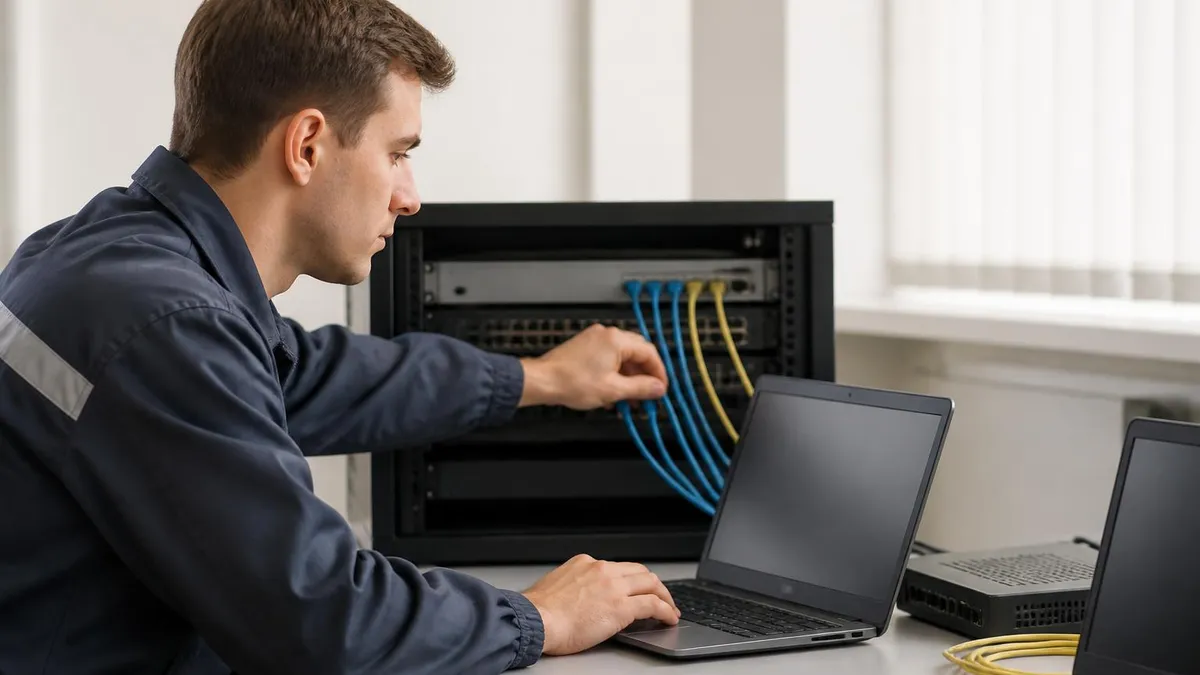
For accurate results, run speed tests under controlled conditions. Connect your device directly to your router via Ethernet cable when possible — Wi-Fi adds variability and sometimes caps your maximum measurable speed below your actual internet speed. Close streaming apps, cloud sync tools, and large downloads before testing. Restart your router and modem before serious diagnostic testing — this clears any temporary issues that might be affecting performance. Test at multiple times of day to identify whether issues are constant or peak-hour specific.
If your tests show much slower speeds than advertised, the next step is identifying where the bottleneck is. Test a wired connection — if it's also slow, the issue is your modem, the connection to your ISP, or the ISP's network. Test multiple devices over Wi-Fi from the same room as your router — if some devices are slower than others, the issue might be those devices' Wi-Fi adapters.
Test from different rooms — if speeds vary by location, the issue is Wi-Fi coverage. Comparing results from a wired ping test to wireless ping tests helps isolate networking issues separately from raw bandwidth issues.
Wi-Fi performance issues are the single most common cause of "slow internet." Older routers (5+ years old), routers placed in closets or behind TVs, and 2.4 GHz interference from neighboring networks all reduce Wi-Fi speeds significantly. Many homes have gigabit-class internet service to the modem but only see 100-200 Mbps on Wi-Fi devices because of these home network limitations. Upgrading to a Wi-Fi 6 (802.11ax) or Wi-Fi 6E router placed in a central location often produces dramatic speed improvements without changing your internet plan.
Specific use cases require specific minimum speeds. 4K video streaming needs about 25 Mbps per stream. HD video calls need 5-10 Mbps in both directions. Cloud gaming and competitive online gaming need under 50ms ping more than they need raw bandwidth. Working from home with multiple video calls and cloud sync needs 50-100 Mbps with low ping. Households with multiple simultaneous heavy users (streaming, gaming, working, video calls) typically benefit from 200+ Mbps plans even though no single use case requires that much. Understanding your actual usage patterns helps you choose service appropriate to your household needs.
Multiple speed test tools used together produce more reliable conclusions than relying on just one. If three different tests across different times of day all agree on slow speeds, the issue is real. If results vary widely between tools, the variability itself tells you something — often pointing to congested routes, server-side issues at one tool, or load-related variability in your connection.
Common Internet Speed Test Tools
One of the longest-running speed test tools, hosted by Megapath. Measures download, upload, and ping with a clean interface. Frequently used by businesses for line testing. Speakeasy results are widely accepted as reliable benchmarks for diagnosing performance issues.
The most widely used speed test, offering web and mobile apps. Tests against a global server network and lets you choose specific servers for diagnostic comparisons. Provides historical results, peer comparison data, and detailed metrics including jitter.
Run by Netflix to measure connection speed against their own CDN. Simple interface focused on download speed (with upload as a secondary metric). Useful for confirming whether streaming issues are likely connection-related.
Built into Google search — type 'internet speed test' and Google's tool appears at the top of results. Measures download, upload, and latency using Measurement Lab. Convenient for quick checks without visiting a separate site.
The number you see on a speed test rarely matches your ISP's advertised speed exactly, and that's normal. Some loss is expected: protocol overhead consumes a few percent of available bandwidth, your test server might not have unlimited capacity, and your router or device might cap below the line speed. A 200 Mbps plan delivering 175-185 Mbps in tests is performing within expected ranges. Tests delivering under 100 Mbps on the same plan indicate a real problem that warrants investigation.
ISPs often display higher speeds in their own internal speed tests than you see on third-party tools. This isn't necessarily nefarious — ISP-internal tests use servers within the ISP's own network, eliminating variables introduced by routing across the broader internet. They reflect what your line is theoretically capable of, but third-party tests reflect more realistic everyday performance. If your ISP's test shows full speed but third-party tests show much less, the issue is somewhere in the broader internet routing rather than your specific connection.
Customer service calls go better when you arrive with data. Document speed test results from multiple tools, at different times of day, on both wired and wireless connections. Record ping results to several servers (Google's 8.8.8.8 is a common reference). When calling tech support, this preparation lets you skip the basic troubleshooting steps and get to actual problem diagnosis faster. ISP technicians appreciate well-documented complaints because they enable real diagnostic work rather than scripted basic troubleshooting that often goes nowhere.
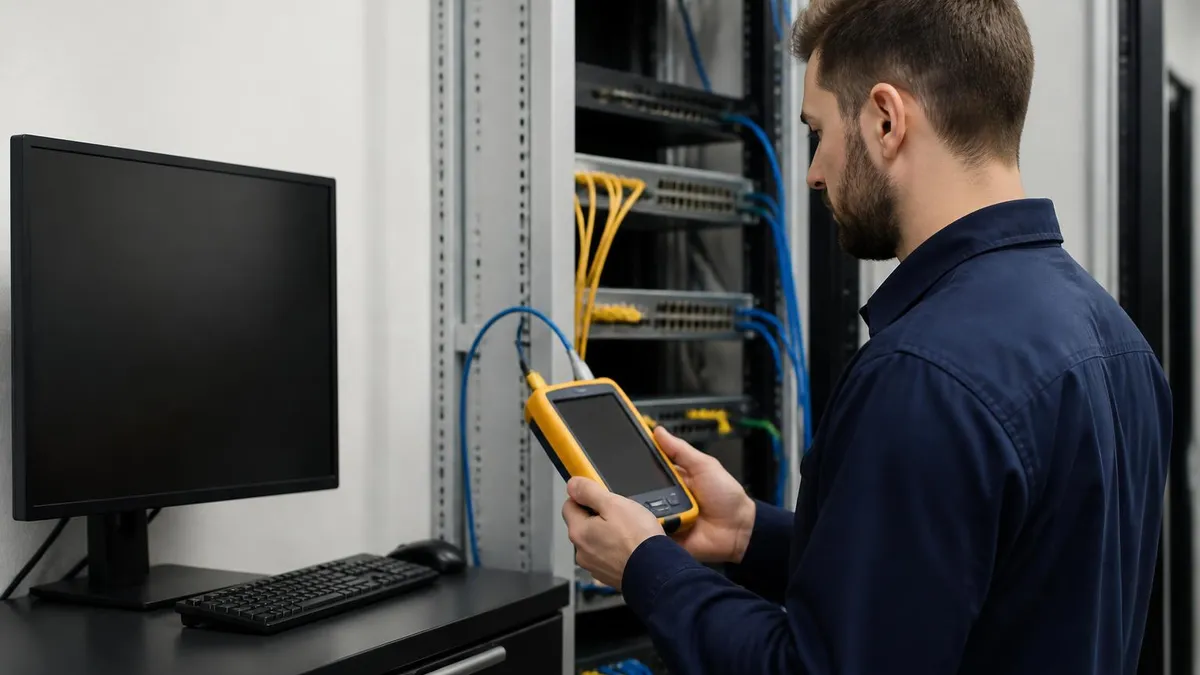
If your wired connection shows slow speeds and modem reset doesn't fix it, the issue may be your modem itself. Old modems, particularly those rented from your ISP, sometimes fall below current performance standards as ISPs upgrade their networks.
DOCSIS 3.0 modems can't deliver the speeds modern DOCSIS 3.1 networks support — meaning even with a 1 Gbps plan, an older modem caps performance at 300-500 Mbps. Asking your ISP whether a modem upgrade is needed (or available for free) is one of the fastest fixes for unexpectedly slow connections, and the answer is sometimes yes when you didn't realize an upgrade was overdue.
Beyond technical fixes, choosing the right ISP and plan affects your experience more than any optimization. Cable, fiber, DSL, fixed wireless, and satellite all have different reliability and speed characteristics. Fiber typically offers the best combination of high speed, low latency, and consistent performance, but it's not available everywhere. Cable is widely available and generally good for typical use. DSL is older technology and often slower. Satellite has high latency that makes some applications (gaming, VoIP) frustrating regardless of advertised speed. Knowing what's available in your area shapes realistic performance expectations.
Knowing your speed at different times of day reveals patterns that single tests miss. Test once in the early morning, once midday, once during peak evening hours. The variance between these tests tells you whether your connection performs consistently or degrades under neighborhood load. Cable connections especially show this pattern; fiber connections rarely do.
Speed Recommendations by Activity
Speed needs depend on resolution and number of simultaneous streams.
- SD video: 3-5 Mbps per stream
- HD video (1080p): 5-10 Mbps per stream
- 4K video: 25 Mbps per stream
- 4K HDR / Dolby Vision: 25-40 Mbps per stream
Multi-person households should add 5-10 Mbps for each simultaneous user.
Speed test results can vary significantly based on the test server selected. Most tools default to a server geographically close to you, but performance to that server doesn't always reflect your actual experience reaching distant servers where the websites and services you actually use are hosted. Running multiple tests against geographically diverse servers gives you a more realistic picture of your overall internet experience. Consistently slow speeds to all servers indicate your local connection; slow speeds only to distant servers indicate routing issues you can't directly fix.
Time of day matters significantly for shared-bandwidth connections like cable and some fixed wireless services. Peak hours (typically 7-11 PM in most residential areas) often see speeds drop 20-40% as neighbors stream and game simultaneously. Off-peak speeds reflect the maximum your line can deliver; peak speeds reflect what you actually experience during high-usage times. Both numbers are real, and ISPs typically advertise based on peak performance under their own conditions, which may not match your residential experience.
Internet speed test history can be useful for tracking whether your connection performance is changing over time. Most test tools save your historical results in your account, letting you spot patterns. A connection that consistently delivered 200 Mbps and now delivers 150 Mbps over the past month may be experiencing degradation that warrants ISP follow-up. Without historical data, you'd accept the new normal without realizing it represented a regression. Periodic testing — even when nothing seems wrong — creates the baseline data that makes future troubleshooting more efficient.
For business users, internet speed testing extends beyond consumer concerns. Business connections often include service level agreements (SLAs) that guarantee minimum performance levels, with penalties or refunds if the ISP fails to deliver. Documenting speed test failures becomes important for invoking those SLAs. Tools like Speakeasy specifically support business documentation needs, providing reports that meet enterprise requirements for line testing and SLA verification. Different from a simple medical testing chart, internet speed reports document infrastructure performance that affects business operations and revenue.
If you're moving to a new home, run speed tests before signing an internet contract — most ISPs offer trial periods. Confirming actual speeds match advertised speeds early lets you switch providers if needed before committing to a long-term plan. Real-world tests at your specific address are more reliable than ISP coverage maps that show theoretical availability without performance verification.

Before assuming your ISP is the problem, verify what's using your bandwidth. Cloud backup services (iCloud, Google Drive, OneDrive, Dropbox) can consume hundreds of Mbps when syncing large files. Smart TVs sometimes prefetch hours of streaming content. Software updates run in the background. Game launchers (Steam, Epic, Battle.net) update libraries silently. Disconnect or pause these on all devices, then run your speed test fresh — sometimes the answer is bandwidth contention from your own devices, not slow service.
Modern wireless improvements help meaningfully when implemented thoughtfully. Mesh Wi-Fi systems (Eero, Google Nest WiFi, TP-Link Deco) replace single-router setups with multiple coordinating access points spread throughout a home. They eliminate dead zones and maintain consistent speeds at distances where a single router would weaken. For homes over 2,000 square feet or with thick walls, the upgrade from single-router to mesh typically produces dramatic speed improvements at edge locations like back bedrooms or basement offices.
Wi-Fi 6 (802.11ax) and Wi-Fi 6E technology added in recent years substantially improve performance in homes with many connected devices. The standard handles dozens of simultaneous devices more efficiently than older Wi-Fi 5 (802.11ac). If your home has 30+ smart devices (cameras, thermostats, smart plugs, voice assistants, phones, laptops) on the network, upgrading to Wi-Fi 6 typically improves both peak speeds and consistency under load. The benefit grows with device count, making this upgrade increasingly worthwhile for typical modern households.
Cable management matters too. Damaged Ethernet cables, oxidized connectors, and outdated cable categories all silently limit speeds. A Cat 5e cable supports up to gigabit speeds; older Cat 5 cables max out at 100 Mbps. If you're running a 1 Gbps connection through old cables, you may not see anywhere near the speed you're paying for. Replacing key cables — particularly the one connecting your modem to your router and your router to your most-used wired devices — costs $10-20 and sometimes produces the same speed improvement as a $200 router upgrade.
Ultimately, internet speed testing is diagnostic — a tool to identify problems, not a solution by itself. Once you have data showing where the bottleneck is, you can direct your effort efficiently: ISP support for line issues, equipment upgrades for outdated hardware, configuration changes for software problems, or service plan changes when your connection genuinely can't support your needs. Without testing, you're guessing; with testing, you have evidence-based answers that make every troubleshooting step more productive.
The endpoint goal of better internet isn't just faster tests — it's a smoother daily experience. Pages load instantly, video calls don't stutter, gaming responds to your inputs without delay, and large file uploads complete in the background without you noticing. When that's your everyday experience, you've optimized your setup well; when it's not, the speed test is where you start identifying which lever to pull next.
Internet Speed Reference Numbers
Wired vs. Wireless Speed Test Considerations
- +Wired: most accurate measurement of your actual ISP connection speed
- +Wired: eliminates Wi-Fi variables that can mask real internet performance
- +Wired: stable consistent results suitable for serious troubleshooting
- +Wireless: tests your actual real-world experience for portable devices
- −Wired: requires Ethernet cable and ports — not always convenient
- −Wired: doesn't reflect what you experience on phones and tablets
- −Wireless: results vary by room, device, and Wi-Fi conditions
- −Wireless: can show much lower speeds than your line actually delivers
BMV Questions and Answers
About the Author
Attorney & Bar Exam Preparation Specialist
Yale Law SchoolJames R. Hargrove is a practicing attorney and legal educator with a Juris Doctor from Yale Law School and an LLM in Constitutional Law. With over a decade of experience coaching bar exam candidates across multiple jurisdictions, he specializes in MBE strategy, state-specific essay preparation, and multistate performance test techniques.